
How to Set Up an ATM11 Server in 2026
All the Mods 11 brings the ATM formula to Minecraft 26.1.2, NeoForge, and Java 25. It is now in beta, has official server files, and is playable with friends - but its rapid update cycle changes how you should run the server.
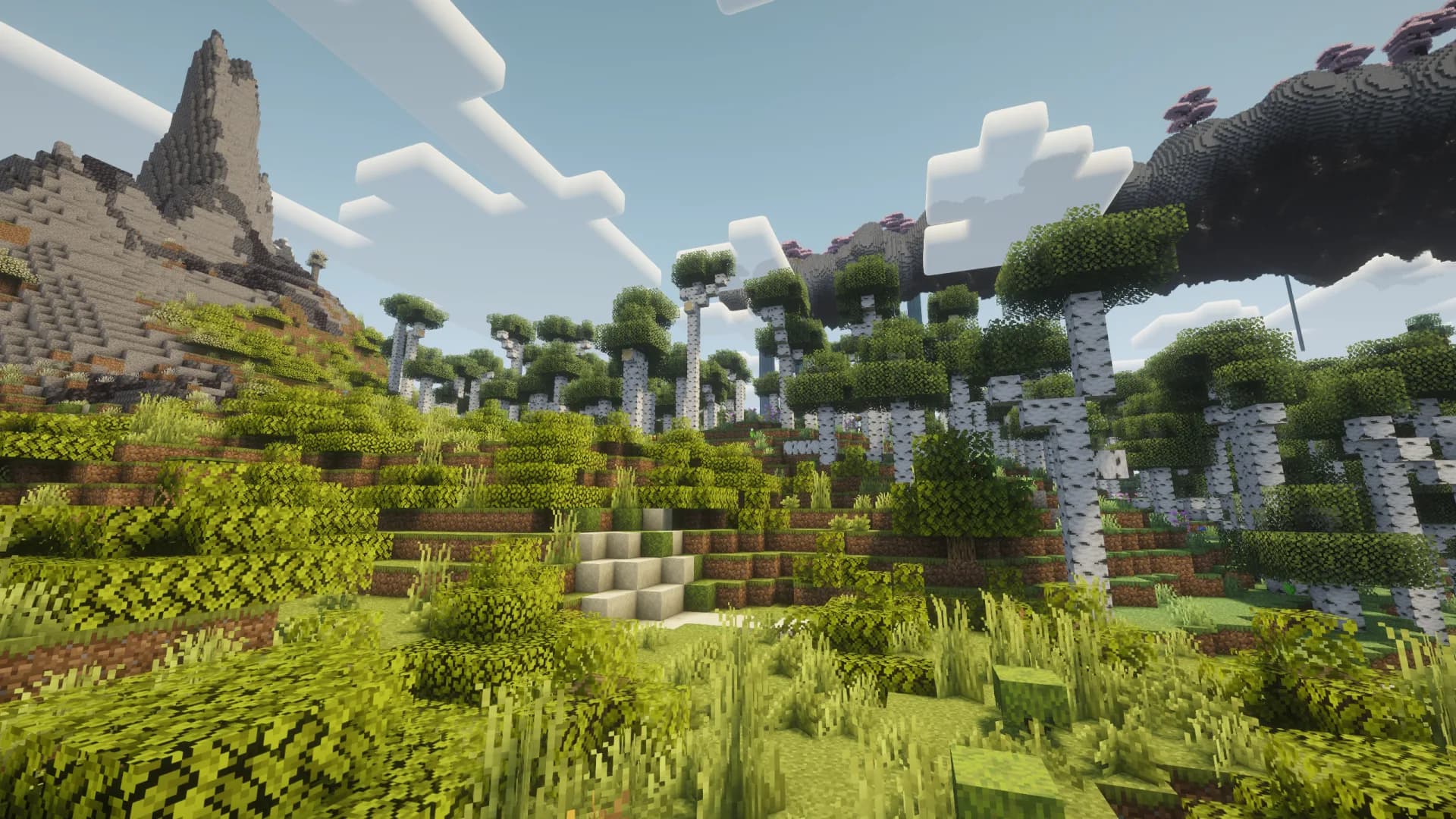
What is ATM11?
All the Mods 11, usually shortened to ATM11, is the newest large kitchen-sink pack from ATMTeam. It combines technology, magic, exploration, storage, automation, and newer mods that are available for the Minecraft 26.1 generation. The pack is designed for players who want several progression paths in one shared world rather than one tightly scripted campaign.
ATM11 is a natural multiplayer pack because players can specialize. One person can build power and automation, another can explore, and someone else can focus on storage or magic without blocking the rest of the group. The tradeoff is operational: ATM11 is still moving quickly, so server owners need stricter version matching and backups than they would with the mature ATM10 branch.
Current Version, Loader, and Java
As of September 22, 2026, the official file history lists ATM11 0.9.0-beta for Minecraft 26.1.2 on NeoForge, with matching server files published September 19. Use the same ATM11 release on every client and on the server. This does not make ATM11 compatible with vanilla Minecraft 26.3.
Minecraft 26.1 requires Java 25. This is a hard runtime change from ATM10 and most Minecraft 1.21.1 packs, which use Java 21. Check the active runtime with java -version before troubleshooting anything else.
| ATM11 Requirement | Use This |
|---|---|
| Minecraft | 26.1.2 |
| Mod loader | NeoForge from the matching server pack |
| Java | Java 25 |
| Pack release | 0.9.0-beta, checked September 22; verify the matching client/server pair before installing |
ATM11 RAM Requirements
ATM11 is an extra-large pack. RAM helps it load a large mod set, but CPU speed and disciplined chunk loading matter just as much once factories and multiple bases appear.
Test Server
2-3 players
Start at 8 GB
Friend Group
4-8 players
Recommended: 10-12 GB
Busy Community
8+ active players
Plan for 16 GB
These are practical starting points, not promises that more memory fixes every problem. If TPS falls while memory is still available, profile the server before upgrading. Our Minecraft server lag guide explains how to separate CPU, chunk, entity, and memory issues.
Quick Setup with ModReady
ATM11 is changing faster than ModReady's pinned catalog entries, so use the custom modpack request instead of assuming an older ATM profile is the same pack.
- Choose Modded Pro for a 10 GB starting point, or a larger plan for a busy group.
- In the custom modpack field, enter All the Mods 11 - ATM11 0.9.0-beta, or the exact release agreed with your group.
- Ask for the matching official server pack and Java 25 runtime.
- Pick the region closest to most players and complete checkout.
- Keep automatic backups enabled before accepting future ATM11 updates.
Confirm availability of the requested release before moving an existing world. Keep the current server and its backup intact until the replacement has passed a test with matching clients.
Run ATM11 Without Version Guessing
Request the current ATM11 server pack with Java 25, backups, and managed setup. Start at 10 GB for a typical friend group.
Start an ATM11 Server - $14.99$11.99/moSelf-Hosting ATM11
- Install a 64-bit Java 25 runtime. Minecraft 26.1 will not start on Java 21.
- Download the official ATM11 server pack from the ATM11 CurseForge page. Match the client release exactly.
- Extract into a clean folder. Do not merge ATM11 into an ATM10 server directory.
- Run the included server-start script for your operating system and let it download the required NeoForge files.
- Accept the EULA by setting
eula=true. - Start with conservative settings and open port 25565 if players connect to a machine on your home network.
view-distance=8 simulation-distance=6 max-players=8 online-mode=true allow-flight=trueUse the server pack's included NeoForge build. Installing a newer loader because its version number looks better can create subtle compatibility bugs. The pack manifest, server pack, and client release should remain a matched set.
Safe ATM11 Update Workflow
ATM11 is beta software, so treat updates as planned maintenance rather than an automatic button press.
- Read the ATM11 changelog and issue tracker before updating.
- Stop the server cleanly and create a complete backup.
- Keep the old server directory until the new version has passed a test boot.
- Update every player to the exact same ATM11 version.
- Check world loading, player inventories, dimensions, and core automation before reopening the server.
If your group wants a season that runs for months with minimal maintenance, read our ATM11 beta readiness verdict before choosing ATM11 over ATM10.
Common ATM11 Server Issues
Unsupported class version or Java startup error
The server is probably using Java 21 or 17. ATM11 on Minecraft 26.1.2 needs Java 25. Confirm the runtime used by the actual start script, not only the system default.
Client rejects the server or lists missing mods
The client and server pack versions do not match. Reinstall the same ATM11 release on both sides and remove leftover files from older pack versions.
The server crashes after a NeoForge update
Return to the loader version included by the official server pack. ATM11's manifest is the source of truth for its NeoForge dependency.
Late-game TPS drops
Check forced chunks, mob farms, storage networks, and machines with a profiler. More RAM does not repair a block or entity consuming the tick budget.
For a complete test-and-rollback checklist, follow our modpack server update guide. A beta release should be tested on a copy of your world before it replaces your group's server.
Sources Checked
Version details were checked September 22, 2026 against the official ATM11 file history. Runtime context comes from Mojang's Minecraft 26.1 technical notes. RAM figures above are planning estimates, not benchmark results for this beta.
Ready to Test ATM11 with Friends?
Use the custom-pack request for the current beta, correct Java 25 runtime, and a managed backup path.