
How to Set Up an FTB Skies 2 Server in 2026
FTB Skies 2 turns a small island in the void into a long progression server with quests, automation, technology, magic, and multiple resource paths. Here is the clean setup for Minecraft 1.21.1 NeoForge.
What is FTB Skies 2?
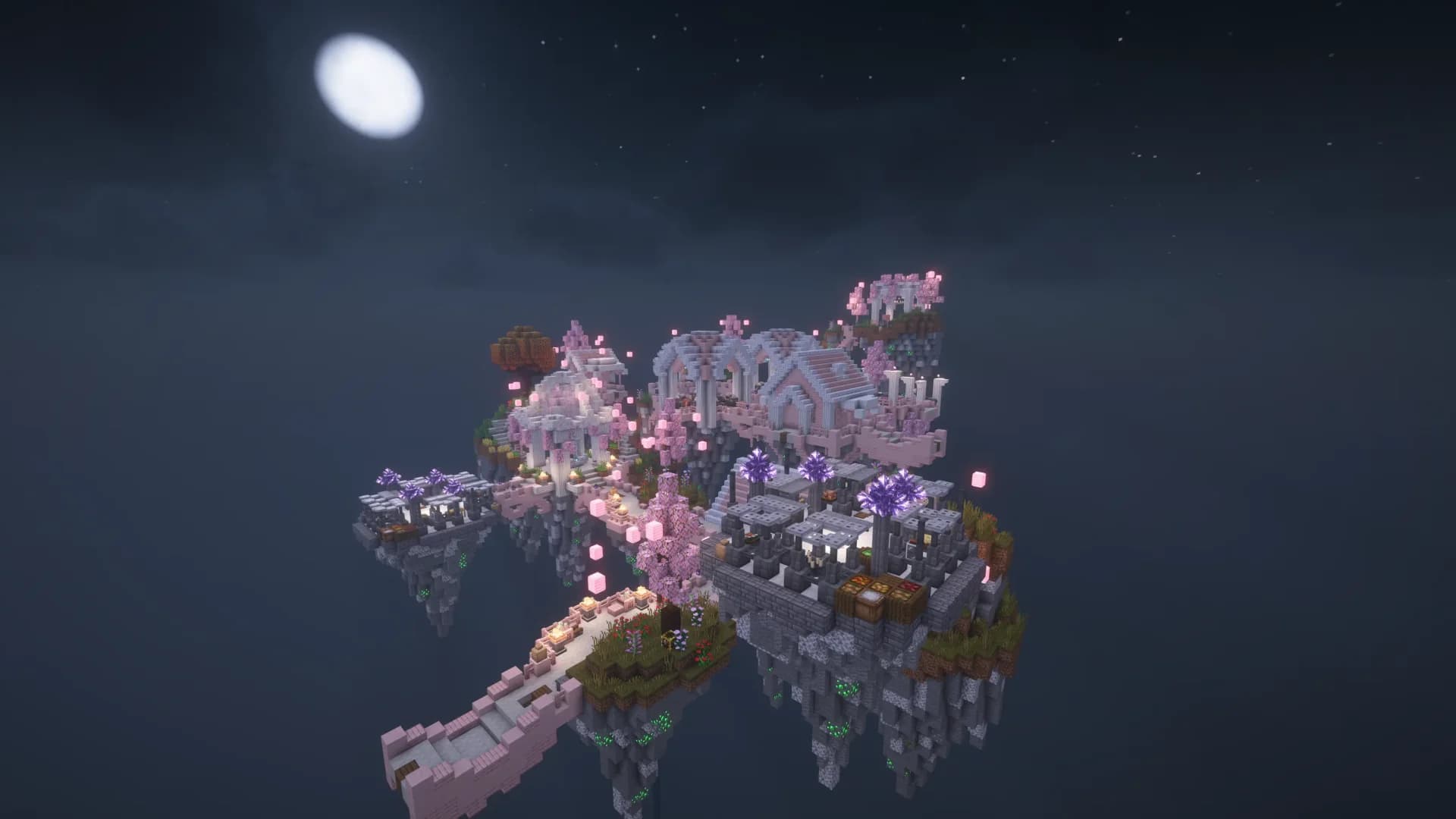
FTB Skies 2 is Feed The Beast's progression-driven skyblock pack for Minecraft 1.21.1. Instead of exploring a normal overworld for resources, players build outward from isolated islands and turn limited materials into increasingly complex automation, storage, magic, and technology systems.
The official FTB listing highlights more than 1,000 quests and three resource paths: Crystalmancy, Cultivation, and Prospecting. That structure works well on a server because a group can divide responsibilities without losing a shared goal. It is more directed than a kitchen-sink pack and more collaborative than a short vanilla skyblock map.
Version, Loader, and Java
The current public branch is Minecraft 1.21.1 on NeoForge. CurseForge lists the latest main release from July 29, 2026, while the official FTB page remains the best source for the active pack version.
Run the server on Java 21. Java 17 is too old for Minecraft 1.21.1, while Java 25 belongs to the newer Minecraft 26.1 branch. The exact FTB Skies 2 client, server pack, Minecraft version, and NeoForge build should stay aligned.
FTB Skies 2 RAM Requirements
Skyblock reduces terrain generation compared with open-world packs, but it does not make a late-game automation server lightweight. Machines, storage networks, chunk-loaded farms, and many ticking blocks can create more load than exploration.
| Server Size | Recommended RAM | Notes |
|---|---|---|
| 2-4 players | 6 GB | Fine for early progression and one shared island |
| 5-10 players | 8 GB | Best starting point for most groups |
| Several developed islands | 10-12 GB | Useful once automation and forced chunks grow |
ModReady's current catalog recommends 8 GB for FTB Skies 2. Treat that as the sensible baseline, then profile the actual world before adding memory.
Quick Setup with ModReady
- Choose Standard+ for 8 GB RAM.
- Select FTB Skies 2 in the modpack picker.
- Choose the server region closest to most of your group.
- Keep automatic backups enabled from the first boot.
- Install the matching FTB Skies 2 release on every player's client before joining.
ModReady's catalog entry is tied to the FTB pack rather than a generic empty NeoForge server. That matters because skyblock packs depend on their world template, quests, scripts, and configs as well as their mod list.
Start FTB Skies 2 with the Right World
FTB Skies 2, Java 21, NeoForge, backups, and 8 GB RAM configured for a private group.
Start FTB Skies 2 - $11.99$9.59/moSelf-Hosting FTB Skies 2
- Install 64-bit Java 21. Confirm the active runtime with
java -version. - Download the official server files through the FTB project page or FTB App. Match the client release exactly.
- Extract into a new directory. Do not reuse a vanilla world folder or an older FTB Skies server.
- Run the included installer or start script and let the pack fetch its required NeoForge files.
- Accept the EULA in
eula.txt, then restart. - Open port 25565 if the server runs on your home network. See our port forwarding guide.
view-distance=8 simulation-distance=6 max-players=10 online-mode=true allow-flight=trueDo not replace the generated FTB world with a generic vanilla void preset. FTB Skies 2 relies on its own world flow, quests, and pack configuration. If the first boot produces a normal overworld, stop and correct the server-pack installation before anyone starts playing.
Team and World Setup
Decide whether everyone should progress on one island or whether smaller teams should split early. A shared island is easier on the server and keeps quest progression social. Separate islands give players more autonomy but multiply automation networks, loaded chunks, and storage systems later.
- Use one shared island for a small group that plays at roughly the same pace.
- Split into teams only when players want genuinely independent progression.
- Agree on forced-chunk limits before farms and machines run around the clock.
- Back up before pack updates, quest edits, or any attempt to move team ownership.
Performance and Common Issues
The server creates a normal world
The pack's server files or world configuration were not installed correctly. Stop before players generate more terrain and reinstall from a clean FTB Skies 2 server directory.
Players fail to join after an update
Check that every client uses the same FTB Skies 2 release as the server. NeoForge and mod versions must match the pack, not only Minecraft 1.21.1.
TPS falls even though nobody is exploring
Profile forced chunks, resource generation, mob farms, pipes, and storage networks. Skyblock lag usually comes from ticking systems rather than new chunk generation.
Players are kicked while flying or falling
Keep allow-flight=true. Modded movement and a void world can trigger vanilla flight checks even when nobody is cheating.
Sources Checked
Pack details were checked on August 21, 2026 against the official FTB Skies 2 project page, the CurseForge listing, and the Fabric project's Java 21 compatibility note for modern Minecraft versions.
Ready to Build Above the Void?
Launch the cataloged FTB Skies 2 pack with Java 21, 8 GB RAM, backups, and managed setup.