
How to Set Up a Prominence II Server in 2026
Prominence II: Hasturian Era is a long-form RPG modpack with quests, talent trees, artifact weapons, bosses, exploration, magic, and tech. Here is how to host it without turning the first session into server admin night.
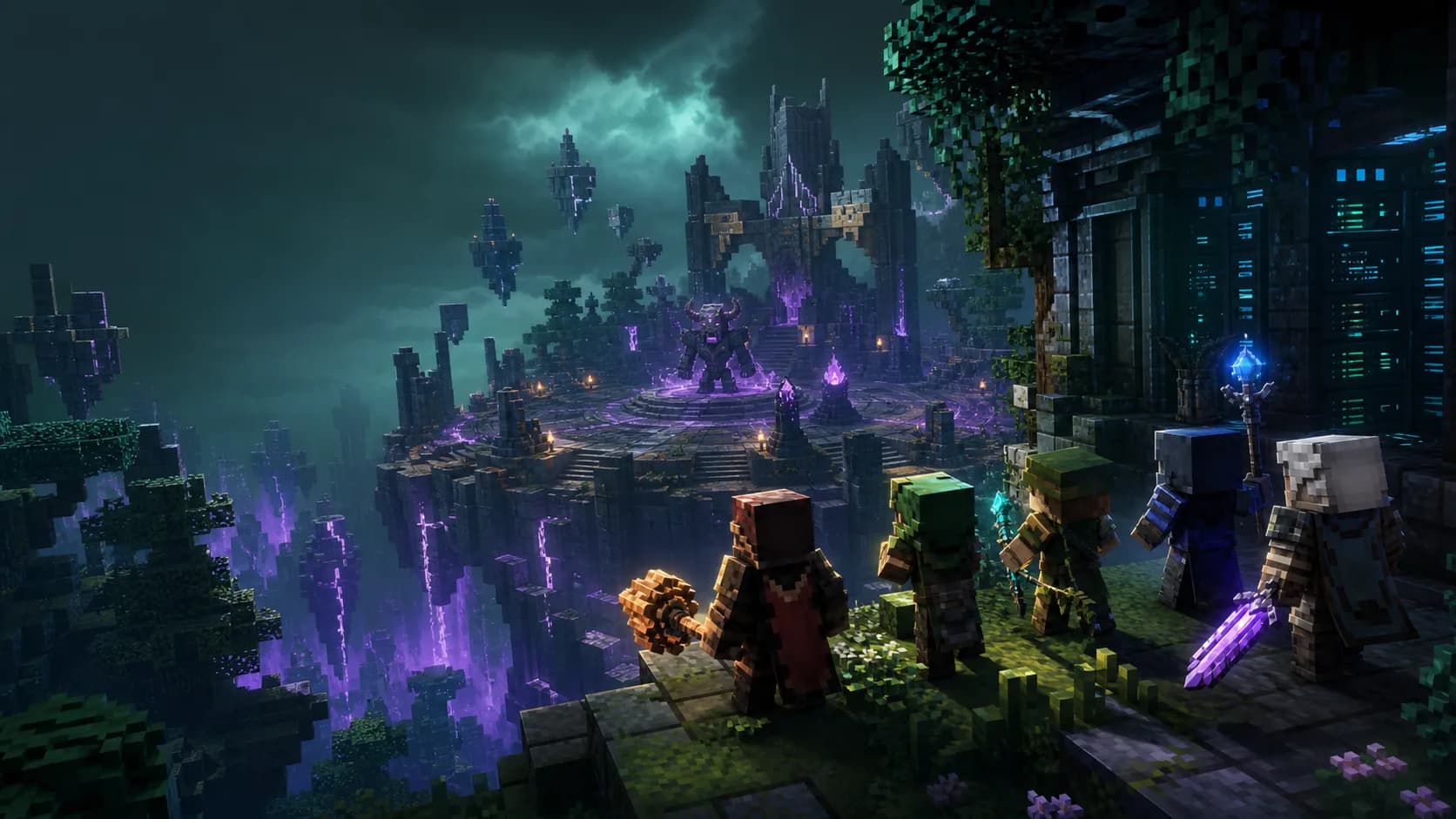
What is Prominence II?
Prominence II: Hasturian Era is a Fabric-based Minecraft RPG modpack built around story progression, boss fights, questing, and character power. Instead of dropping every tech and magic mod into one kitchen-sink pile, it gives players a more directed multiplayer arc: level up, unlock talent-tree choices, build gear, fight stronger enemies, and push toward major endgame goals.
That makes it a strong server pack. Groups stay engaged when there is a shared reason to log in next weekend, and Prominence II gives both casual explorers and optimization-heavy players something to chase. It is also a good fit for friend groups that like RLCraft difficulty, but want a newer 1.20.1 RPG experience with clearer progression.
Version, Loader, and Java Requirements
For a new server, use the current Prominence II: Hasturian Era Fabric 1.20.1 release. The official Modrinth listing shows the pack as client and server required, which means every player needs the same modpack version as the server.
Minecraft 1.20.1 modpacks normally run on Java 17. Do not use Java 21 just because newer NeoForge packs need it. If your host lets you choose a runtime, pick Java 17 and keep the Fabric server files exactly aligned with the client pack.
RAM and Server Requirements
Prominence II is lighter than enormous modern kitchen-sink packs, but RPG worlds become busy over time. Boss arenas, exploration, claims, waystones, combat effects, and players spreading across the map all add load.
| Server Size | RAM | Notes |
|---|---|---|
| 2-4 players | 6 GB | Fine for a private group with modest exploration |
| 5-10 players | 8 GB | Best baseline for most friend servers |
| Busy community | 10-12 GB | Use this for public worlds, many bases, or frequent boss events |
Quick Setup with ModReady
The easy path is to let ModReady handle the server files, Java runtime, Fabric setup, backups, and launch flags.
- Open checkout and choose Standard+ for 8 GB RAM.
- Select Prominence II: Hasturian Era in the modpack picker.
- Pick the region closest to your player group.
- Use WELCOME20 for 20% off the first month.
- Invite players after the server reaches the online state in the panel.
Launch Prominence II Without Manual Setup
Fabric 1.20.1, Java 17, backups, and one-click modpack install handled for you. Built for groups that want to start the RPG arc today.
Start Prominence II - $11.99$9.59/moSelf-Hosting Steps
Self-hosting works if you have a machine that stays online, enough upload bandwidth, and patience for modded server updates. Use this route only if you are comfortable reading logs.
- Install Java 17 from Adoptium or your server provider's runtime picker.
- Download the official server files for the same Prominence II version your players use.
- Extract into a fresh folder. Do not merge it with an old world or another modpack folder.
- Run the included start script so Fabric and required files are created in the expected layout.
- Accept the EULA by setting
eula=true. - Set conservative basics: view distance 8, simulation distance 6, online mode on, and a player cap that matches your RAM.
view-distance=8 simulation-distance=6 max-players=10 online-mode=truePerformance and Progression Tips
Pre-generate Around Spawn
Prominence II pushes players to explore. Use Chunky or your host's pre-generation tool before launch to avoid first-night terrain lag.
Coordinate Boss Runs
Boss events are more fun when the group does them together, and easier on the server when half the player base is not loading distant dimensions at the same time.
Back Up Before Updates
RPG progression data matters. Always create a world backup before changing pack versions, especially near major quest or balance patches.
Common Issues
- Players hang on joining world: client and server pack versions do not match. Reinstall the exact same version on both sides.
- Java crash on startup: use Java 17 for Minecraft 1.20.1 Fabric. See our Java version guide.
- Lag after heavy exploration: lower view distance, pre-generate more chunks, and profile with Spark before adding random optimization mods.
- Missing quests or progression data: restore from the latest backup and avoid editing quest files while players are online.
Ready for Prominence II?
Start a managed Fabric 1.20.1 RPG server with backups, fast setup, and the right runtime already handled.