Valheim 1.0.15: Terrain Fixes and Server Update Checks
The September 18 patch addresses duplicated terrain and associated performance loss. Here is what is fixed, what remains pending, and how to plan a careful update.
A Targeted Fix After Valheim 1.0
Iron Gate released Valheim 1.0.15 on September 18. The server-relevant change is a fix for duplicated terrain that could reduce performance. The studio also describes a way to remove remaining visual terrain seams by deforming the affected ground or walking on the snow there.
This is a specific fix, not a promise to eliminate every cause of poor performance. Record whether your world actually has the reported symptom before comparing the update with your previous session.
Keep Fixed and Pending Issues Separate
The patch post says a broader fix for items incorrectly marked as cheated is still planned and requires coordinated platform delivery. It also revisits item-level losses during the 1.0 save conversion: the conversion bug was fixed in 1.0.12, but the lost information is not automatically recreated. Iron Gate describes recovery options using a pre-conversion backup and warns that a full world restore discards later progress.
Read those instructions against your own situation before acting. A report about missing item levels is not the same as the terrain problem, and installing one patch should not be described to players as repairing both automatically.
Before Your Group Updates
- Identify the change: write down the installed server version, the symptom you want to address and any optional mods.
- Preserve the world: make an independent stopped-server backup before applying an update or attempting recovery.
- Coordinate the session: tell players when the server will be unavailable and check their platforms before reopening.
- Keep a clean baseline: if a modded setup behaves differently, investigate its compatibility separately from the vanilla patch notes.
Test the World You Actually Play In
Choose a small acceptance route with the group: the main settlement, a place that previously showed the problem and a normal shared activity. Revisit those locations after the update, then stop and restart once. Keep notes about what changed instead of relying on a first impression at spawn.
If restoring a backup becomes necessary, agree on the timestamp before doing it. Players should know which buildings, items or discoveries were made after that point. Keep an untouched copy of the current state as well, so troubleshooting does not erase your options.
For the longer-term setup and maintenance process, use our Valheim dedicated-server guide. The Valheim hosting page covers managed options; this briefing is about the patch rather than a new hosting feature.
Source and Image
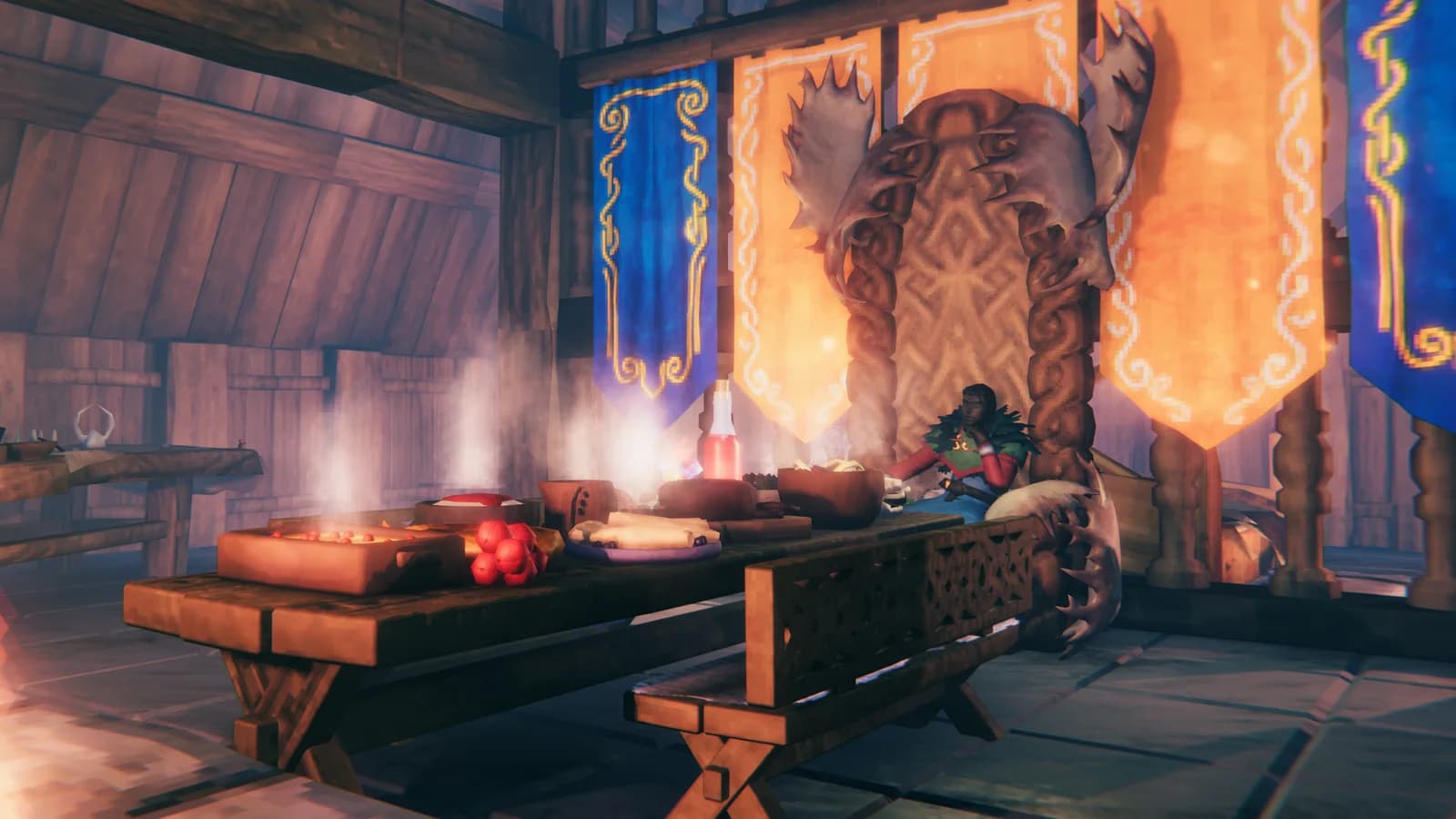
Patch facts and recovery caveats: Iron Gate's 1.0.15 announcement, checked September 22, 2026. Testing recommendations are ModReady's assessment. Header image: Iron Gate Studio / Coffee Stain Publishing, from the official patch announcement.