
How to Set Up a NightfallCraft Server in 2026
NightfallCraft: The Casket of Reveries is a story-driven, soulslike RPG modpack for groups that want bosses, quests, and tension instead of another vanilla-plus world. Here is the clean way to host it.
What is NightfallCraft?
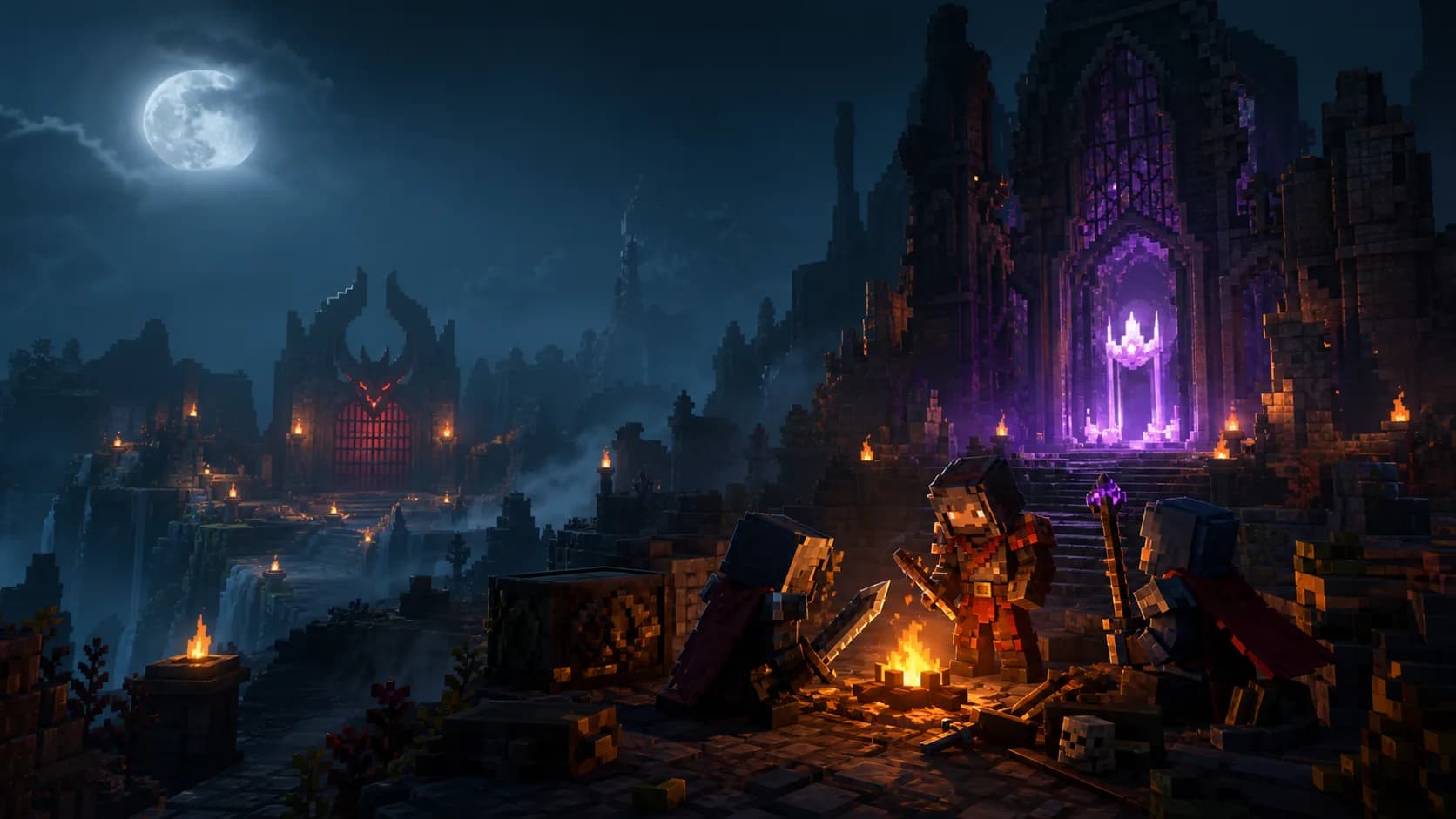
NightfallCraft: The Casket of Reveries is a dark RPG modpack built around quests, boss progression, difficult encounters, and a more directed adventure loop. Growth research flagged it as a smaller but interesting May/June server pick because it gives friend groups a strong theme instead of another broad kitchen-sink sandbox.
The pack is best for players who want a challenge-driven multiplayer world: shared preparation, dangerous areas, gear progression, and group boss attempts. If your community likes the idea of Prominence II but wants something moodier and more focused, NightfallCraft is worth testing.
Version and Java Requirements
Use the official Forge 1.20.1 server files for The Casket of Reveries. CurseForge currently lists a 2.2.7.1 server pack for Minecraft 1.20.1 Forge from late May 2026.
Because this is a 1.20.1 Forge pack, start with Java 17. Newer Java runtimes are not automatically better for older modded branches. If the server will not boot, confirm Java before changing mods.
RAM and Server Requirements
NightfallCraft is not only about RAM. Boss fights and exploration spikes make CPU headroom important too, especially when several players load new areas together.
| Scenario | RAM | Best For |
|---|---|---|
| Small test server | 6 GB | 2-4 players learning the pack |
| Recommended | 8 GB | Most private RPG servers |
| Public or event-heavy | 10-12 GB | Boss nights, frequent exploration, larger groups |
Quick Setup with ModReady
ModReady handles the version matching, Forge setup, runtime, backups, and restart process. That matters for packs like NightfallCraft because a mismatched client/server install usually fails before players even see the world.
- Start with Standard+ for 8 GB RAM.
- Select NightfallCraft: The Casket of Reveries in the modpack picker.
- Choose the closest region for your group.
- Use WELCOME20 for 20% off the first month.
- Let the server finish the first boot before inviting everyone.
Launch NightfallCraft Without Server Chores
One-click Forge 1.20.1 setup, Java 17, backups, and performance-friendly defaults for a dark RPG server.
Start NightfallCraft - $11.99$9.59/moSelf-Hosting Steps
- Install Java 17 and confirm it is the runtime your start script uses.
- Download the official server pack for the same NightfallCraft version as your players.
- Extract it into a new folder and run the included setup or start script.
- Accept the EULA, then restart once so all configs are generated.
- Set view distance to 8 and simulation distance to 6 for the first session.
- Back up before updates, especially if your group is deep into quests or boss progression.
Multiplayer Setup Tips
Keep the First Night Structured
RPG packs work best when players understand the early goal. Pick a spawn base, read the quest book together, and avoid scattering in five directions immediately.
Schedule Boss Attempts
Boss content is the social payoff. Treat it like an event and take a backup before major attempts.
Profile Before Adding Mods
Adding extra combat or structure mods can destabilize progression. If lag appears, use Spark and our lag guide before modifying the pack.
Common Issues
- Crash before world generation: Java runtime or Forge version mismatch. Confirm Java 17 and use the included server pack scripts.
- Players missing assets: a player installed a different client version. Reinstall the exact same NightfallCraft release.
- Boss fight lag: lower view distance temporarily and keep spectators close to the arena instead of spread across the map.
- Progression data breaks after update: restore from backup and check the pack changelog before retrying.
Ready for NightfallCraft?
Spin up a managed RPG server with the right Forge files, Java runtime, and backups from the start.