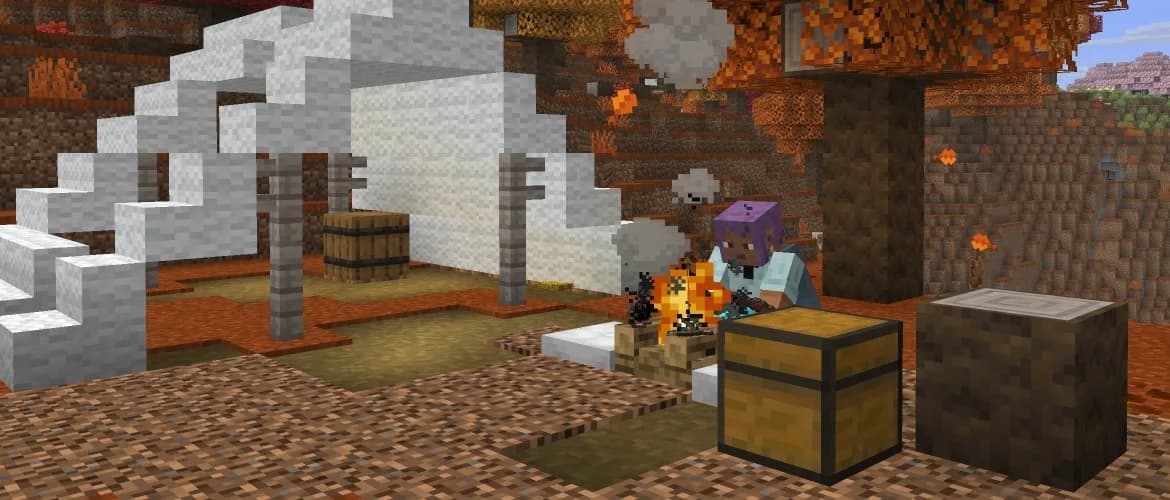
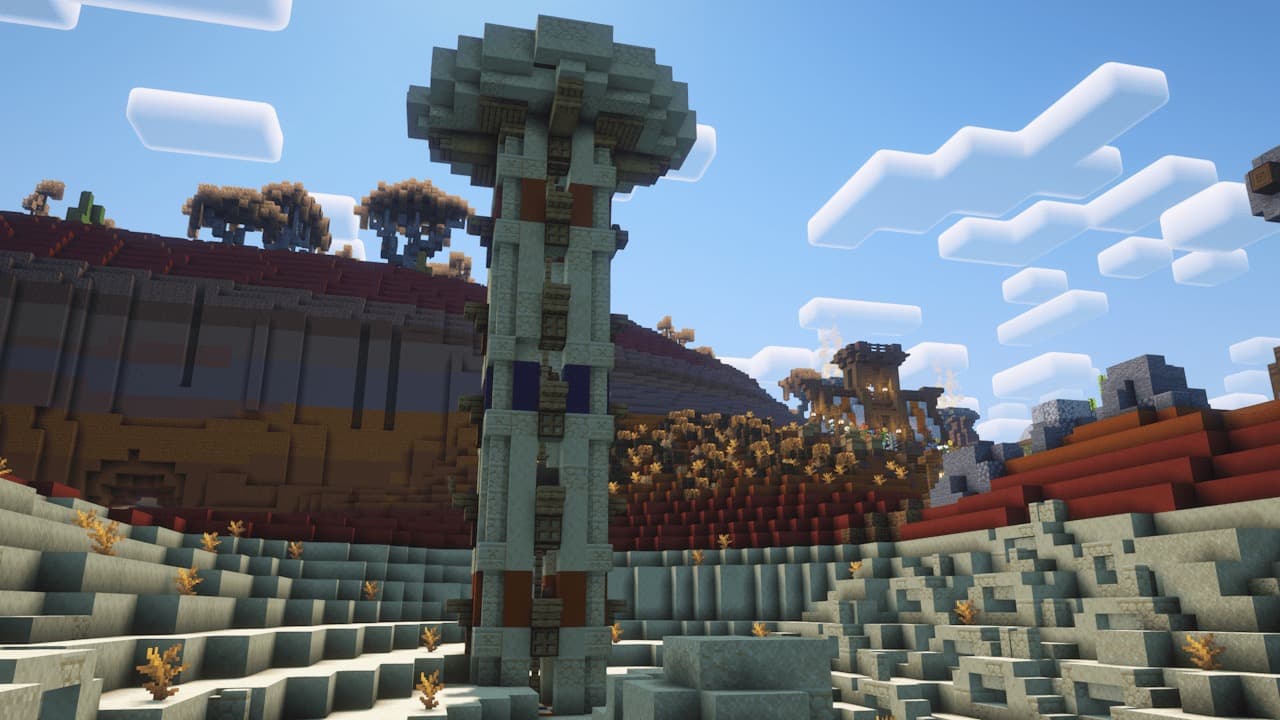
Minecraft 26.4 Snapshot 3: Ice Caves
Ice Caves, light-sensitive Icicles and the Frostbite turn cold exploration into a fresh experiment. Keep this Java snapshot separate from your main world.
Cold Exploration Gets More Than a New Palette
Minecraft Java Edition 26.4 Snapshot 3, published October 6, introduces Ice Caves, Ice Crystals, Icicles, the Frostbite, Ice Balls and the Freezing effect. This briefing examines that specific snapshot, not necessarily the newest available build. It is experimental software, not a stable release or a confirmed upgrade path for a modpack.
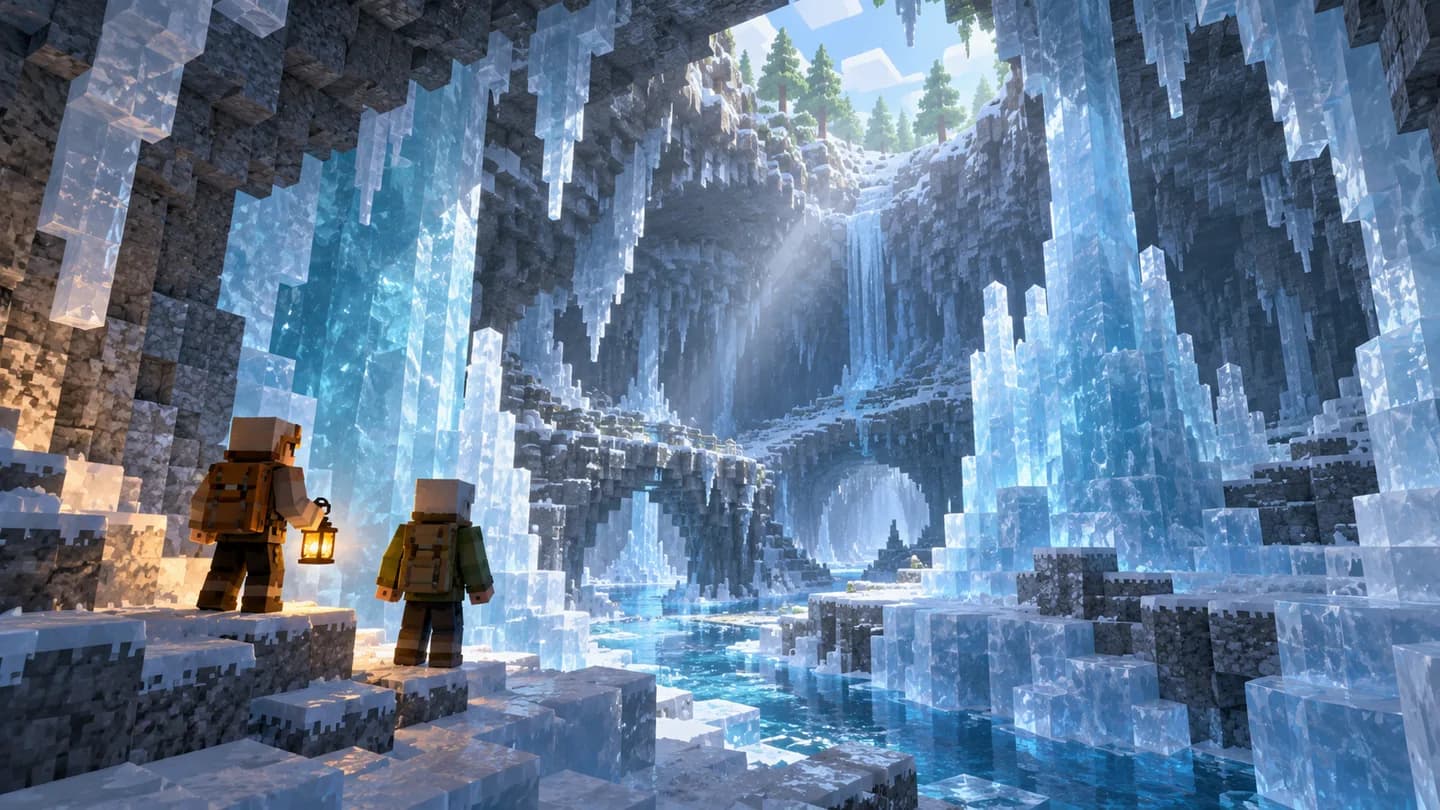
The new caves generate beneath colder Overworld biomes, largely from Packed Ice and Calcite. Ice Crystals emit light. Icicles respond to nearby light, can grow downward in suitable conditions and can injure entities. The Frostbite is a zombie variant that alternates between close attacks applying Freezing and ranged Ice Ball attacks.
Why Lighting Could Become an Exploration Choice
Our reading is that the interesting design question is how these systems interact. In a disposable test world, compare a cavern before and after placing lights. Does the route become easier to understand? Does changing the ceiling alter how safe a passage feels? Those are more useful questions than simply collecting every new block on the first visit.
For builders, this is also a chance to experiment with atmosphere and function together. Try a small entrance, a walkway and a meeting area instead of committing to a huge underground base. The goal is to learn what makes the space readable for other players, while accepting that snapshot behavior may change before release.
A Different Threat to Test With Friends
The official notes distinguish Freezing from an ordinary hit: it builds toward damage, while leather armor protects against freezing without removing or preventing the effect itself. Ice Balls add damage and knockback. Treat these as mechanics to investigate, not a finished balance specification.
A useful group experiment would put one player in charge of watching the approach and another of keeping an escape route clear. Compare a narrow passage with an open chamber. Record what actually caused trouble: visibility, positioning, repeated attacks or equipment choices. That produces actionable feedback without assuming the new encounter is automatically harder than every existing cave fight.
A Side Session, Not a Server Season Reset
Use a separate snapshot installation and a fresh, disposable test world only. Mojang warns that testing builds can corrupt worlds. Leave your established survival save and modded server untouched; do not point the snapshot at their folders. Backups are a precaution, not a reason to expose the only working copy.
For an established group, our recommendation is to treat this as an optional side session. Agree beforehand that the test world will not become the next permanent season. Invite feedback on the cave experience, but keep ordinary play on the versions the group already uses.
Actual migrations belong in the world-upload guide, and planned pack changes in the modpack update guide. If the regular pack rejects a player, use the mismatched mod list guide; a vanilla snapshot is not a compatibility fix.
For a separate, longer-term hosting decision, review our Minecraft hosting page. This snapshot coverage does not claim ModReady supports this experimental build or any particular pack on it.
Sources and Artwork
Sources: Mojang's Snapshot 3 announcement and its official changelog mirror, verified October 13, 2026 through the mirror and alternate-locale announcement. Testing suggestions are ModReady's assessment. The header is conceptual AI editorial artwork of a voxel icy underground cavern, not an actual screenshot or depiction of specific snapshot features or mobs.