Best Sodium & Iris Shader Packs for Minecraft 26.1 (2026)
Sodium and Iris updated for Minecraft 26.1 with Java 25 support. Best shader packs, performance benchmarks, and how to use Iris shaders on NeoForge and Fabric servers.
Sodium & Iris Updated for Minecraft 26.1
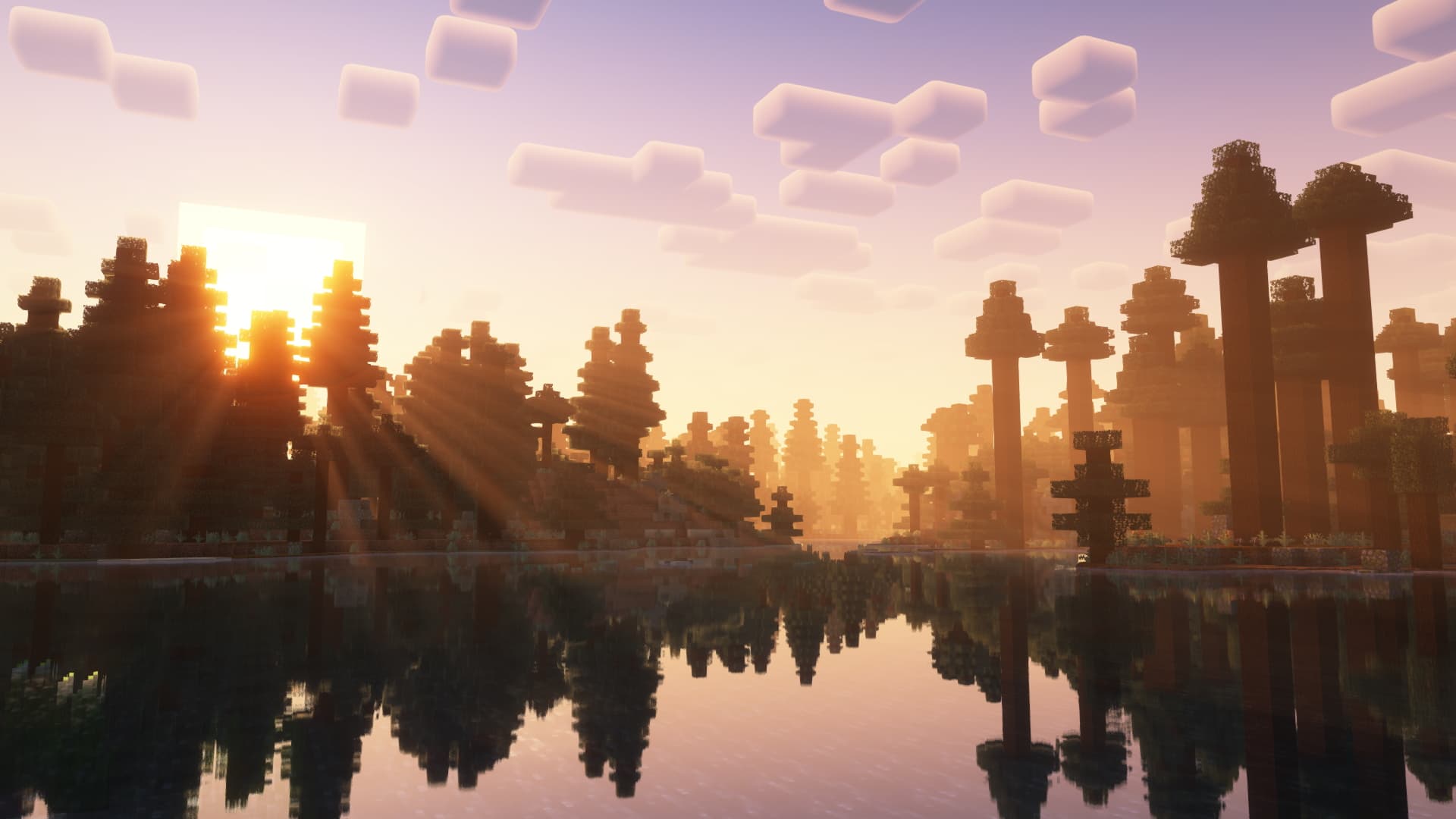
Sodium and Iris Shaders have both been updated with compatibility for Minecraft 26.1 and Java 25. Sodium remains the best performance optimization mod for Minecraft, delivering 3-5x FPS improvements over vanilla rendering. Iris adds full shader pack support on top of Sodium without the performance penalty of OptiFine.
If you're running a Minecraft 26.1 server, recommending Sodium + Iris to your players is the single biggest thing you can do to improve their experience.
Best Shader Packs for Sodium and Iris in 2026
Not all shader packs work with Iris. Here are the best-performing shader packs confirmed compatible with Iris in 2026:
Best Overall: Complementary Shaders Reimagined
The most popular Iris-compatible shader pack. Beautiful lighting, volumetric clouds, and excellent performance. Works perfectly on mid-range hardware.
- FPS impact: Low-medium (40-60% of vanilla FPS)
- Best for: Balanced quality and performance
Best Performance: Complementary Shaders Unbound
A lighter version of Complementary with more aggressive optimizations. Great for lower-end systems that still want shader visuals.
Best Visuals: BSL Shaders
Stunning color grading and atmospheric effects. Heavier than Complementary but delivers cinematic visuals. Best for screenshots and content creation.
Best Lightweight: Solas Shaders
Minimal FPS impact with clean, subtle improvements to lighting and shadows. Perfect for players who want shaders without sacrificing framerate.
Honorable Mentions
- Rethinking Voxels — path-traced lighting for high-end GPUs
- Photon Shaders — realistic lighting with good Iris optimization
- MakeUp Ultra Fast — designed specifically for low-end hardware
How to Install Iris and Sodium for 26.1
- Install Fabric Loader for Minecraft 26.1
- Download Sodium and Iris Shaders for 26.1 from Modrinth
- Place both .jar files in your
modsfolder - Download a shader pack (.zip) and place it in
shaderpacksfolder - Launch the game, go to Video Settings > Shader Packs, and select your shader
NeoForge vs Fabric for Performance Mods in 2026
The mod loader landscape has settled into a clear split:
- NeoForge — the go-to for heavy modpacks (200+ mods). ATM10, Create-based packs, and most content mods target NeoForge
- Fabric — preferred for lightweight/optimization setups. Sodium, Lithium, Iris, and performance-focused configs shine here
Using Iris and Sodium on NeoForge
The gap between loaders is narrowing thanks to two projects:
- Sinytra Connector — lets you run Fabric mods (including Sodium and Iris) on NeoForge
- Forgified Fabric API — ports the Fabric API directly to NeoForge, regularly updated
This means players on NeoForge modpacks can still use Iris shaders. Some heavy modpacks now include Fabric performance mods running on NeoForge via Sinytra Connector.
ModReady supports both NeoForge and Fabric with one-click installation. Switch between loaders anytime from the control panel — your shader-loving players will thank you.