
How to Set Up an All of Create Server in 2026
All of Create bundles Create 6.0 with 50+ addons and a full quest progression. This is the ultimate Create-centered modpack — and here is how to run it on your own multiplayer server.
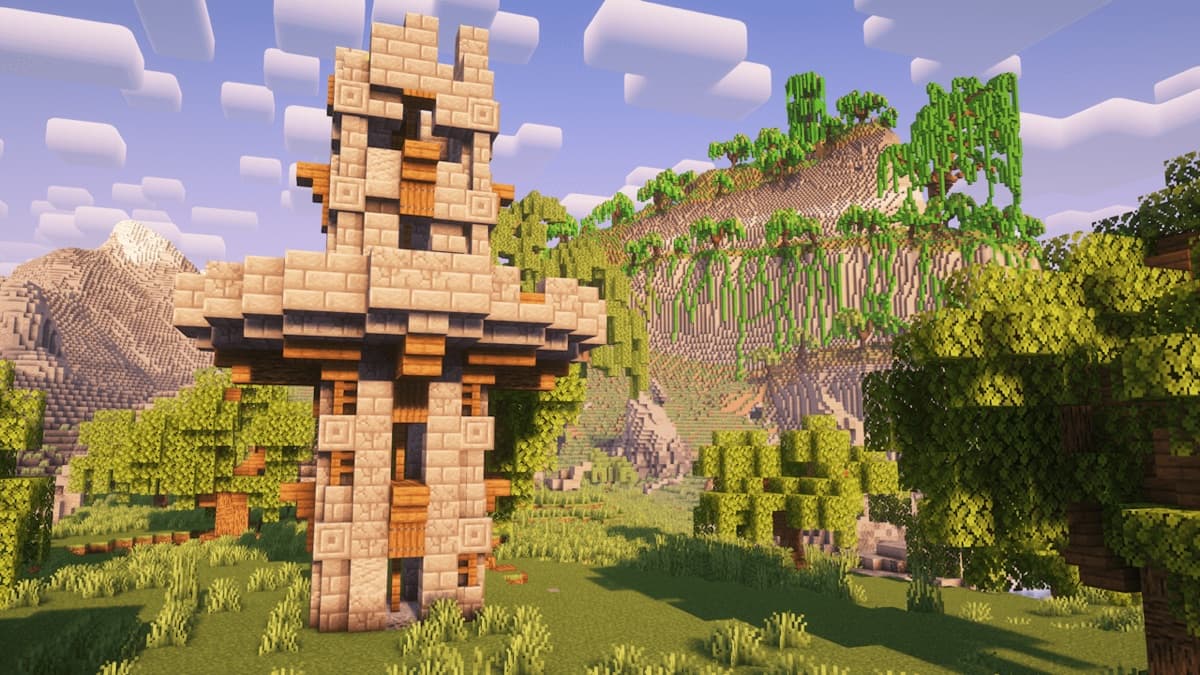
What is All of Create?
All of Create (often abbreviated AoC) is a curated Minecraft modpack built around the Create mod and its addon ecosystem. It bundles Create 6.0 with more than 50 addons, a full quest book that walks new players through every major mechanic, performance mods to keep the server smooth, and quality-of-life tweaks like JEI, Just Enough Resources, and shaders support.
The pack passed 1.4 million downloads in early 2026 and is updated frequently — version 1.8 dropped on May 1, 2026 for Minecraft 1.21.1 on NeoForge. The maintainer team is responsive, the addon list is curated rather than dumped in, and the quest progression is genuinely well-designed. If Create on its own feels open-ended and you want a structured Create experience for your server, this is the pack.
Where vanilla Create gives you mechanical power, gears, belts, trains, and printing presses, All of Create extends that into full automation, decoration, agriculture, and exploration. By the late game you will have factories that span hundreds of blocks, train networks connecting the entire server, and bases that look like industrial revolution dioramas — all with Create's signature visible-mechanics aesthetic.
Why Pick This Pack Over Vanilla Create
If you have already read our general Create server guide, you might wonder when to pick All of Create specifically. Here is the short version:
You want structure, not a sandbox
All of Create's quest book gives multiplayer groups a shared progression target. Without it, new players often get overwhelmed by Create's open-ended nature. The quest book turns Create into a campaign.
You want the addons preconfigured
There are 70+ Create addons available across CurseForge and Modrinth, most of which conflict in subtle ways if you mix them yourself. AoC ships with 50+ that have been tested together and tuned to play nicely.
You want decent performance out of the box
The pack includes performance mods like Embeddium, Oculus, and Lithium where compatible. JVM flags are documented. Default Create configs are tuned for multiplayer rather than singleplayer screenshots.
When NOT to pick All of Create
If you want every mod ever (hundreds of mods, every dimension, every tech tree), pick a true kitchen-sink pack like ATM10 — see our ATM10 setup guide. AoC is Create-centered, not everything-centered. If you specifically want flying machines and physics-based aircraft, look at our Create Aeronautics guide instead.
Which Minecraft Version to Run
All of Create ships for three Minecraft versions. They are not interchangeable — pick the one that fits your goals before you start, because migrating later is rarely clean.
| Minecraft Version | Loader | Java | Best For |
|---|---|---|---|
| 1.21.1 (v1.8) | NeoForge | Java 21 | Recommended. Newest content + Create 6.0. |
| 1.20.1 | Forge | Java 17 | Most addons available; very stable. |
| 1.19.2 | Forge | Java 17 | Legacy. Use only if a specific addon you want is 1.19.2-only. |
For a new server in 2026, run the 1.21.1 NeoForge version. It has the newest Create features, the most active development, and is what the pack maintainers ship updates for first.
Server Requirements & RAM Guide
All of Create is heavier than vanilla Create — 50+ addons add up — but lighter than full kitchen-sink packs like ATM10. Use this table as your starting point:
| Player Count | RAM | Notes |
|---|---|---|
| 1-4 players | 6 GB | Comfortable. Small bases, simple factories. |
| 5-10 players | 8 GB | Recommended baseline for most communities. |
| 10-15 players | 10 GB | Active multiplayer with multiple bases and trains. |
| 15+ players | 12+ GB | Large communities, factory complexes, train networks. |
Pro Tip
Create's mechanical simulations stress the CPU more than memory. If your server runs fine at first but lags as players build bigger contraptions, the CPU is the bottleneck — not RAM. A modern 4-core CPU at 4.5 GHz+ outperforms a 16-core server CPU at 2.5 GHz for Create workloads.
Option A: Quick Setup with ModReady
The fastest path. ModReady pre-configures NeoForge 1.21.1, Java 21, optimized JVM flags, and the All of Create modpack. Server is online in under two minutes.
- Pick All of Create from the ModReady checkout page
- Choose a plan based on the RAM table above
- Name your server and complete checkout
- Share your server address with friends and start automating
Backups, DDoS protection, and a custom subdomain come standard. The pack updates as new versions ship — when AoC v1.9 lands, you swap from the panel without losing your world.
Get Your All of Create Server Running
Pre-configured AoC hosting on NeoForge 1.21.1. Build factories with friends in minutes.
Start Your Server — From $11.99$9.59/moCancel anytime. No questions asked.
Option B: Self-Hosting Your Server
If you want to run All of Create on your own hardware, here is the process. Plan on 30-60 minutes from cold start to first login.
Requirements
- Java 21 (for the recommended 1.21.1 NeoForge version) or Java 17 (for 1.20.1 / 1.19.2 Forge)
- At least 8 GB of available RAM (10 GB recommended for multiplayer)
- A modern CPU — Create benefits from clock speed
- SSD storage for fast chunk loading
- Access to your router for port forwarding
Step 1: Install Java
Download the matching Java version from Adoptium. Verify:
java -version # 1.21.1 NeoForge: openjdk version "21.x.x" # 1.20.1 / 1.19.2 Forge: openjdk version "17.x.x"Step 2: Download the Server Pack
On the All of Create CurseForge page, switch to the Files tab and download the server pack for your chosen version. The server pack is a separate download from the client pack — make sure you grab the right one.
Step 3: Extract and Configure
- Create a new folder for your server (e.g.
aoc-server) - Extract the server pack into the folder
- Run the included install script once to fetch NeoForge/Forge and the mods
- Open
server.propertiesand configure:view-distance=10(Create rewards higher view distance for trains and large builds)simulation-distance=6max-players=15online-mode=true
Step 4: Set JVM Flags and Start
Use these JVM flags as a starting point. Adjust -Xmx8G to match your RAM allocation.
java -Xmx8G -Xms8G -XX:+UseG1GC -XX:+ParallelRefProcEnabled -XX:MaxGCPauseMillis=200 -XX:+UnlockExperimentalVMOptions -XX:+DisableExplicitGC -XX:G1NewSizePercent=30 -XX:G1MaxNewSizePercent=40 -XX:G1HeapRegionSize=8M -jar neoforge-server.jar noguiEdit eula.txt to eula=true and start again.
Step 5: Open Port 25565
Forward TCP port 25565 from your router to your server's local IP. See our port forwarding guide for step-by-step instructions for every router brand.
Performance Tips for All of Create
All of Create runs well by default, but a few tweaks make a real difference once your community starts building serious factories.
Set Contraption Size Limits
Edit config/create-common.toml and lower maxBlocksMoved from the default 2048 to 1024 on busy servers. This prevents single players from accidentally building lag bombs.
Tune Train Networks
Trains are amazing but can become a TPS sink on large networks. Keep designs simple, limit signal block density, and cap simultaneous active trains at around 10 per hub. Players quickly figure out which routes actually need trains and which would do fine as Create tunnels or basic rails.
Pregenerate the World
Use Chunky to pre-gen a 3000-5000 block radius before opening the server to players. Train lines and exploration packs cause the most chunk-loading lag, and Chunky front-loads all of it.
Profile with Spark
Install Spark and run /spark profiler when something feels off. Create's tick handlers and addon mods all show up cleanly. Identifying the worst offender takes about 60 seconds. See our lag fix guide for deeper tuning.
Common Issues & Fixes
Server crashes on startup with a missing-mod error
Almost always a partial download. Re-run the install script and let it fetch all 50+ addons cleanly. If you see specific mods fail repeatedly, check CurseForge's status page — sometimes individual mod downloads time out during peak hours.
TPS drops when many players are online
Profile with Spark first. Most of the time it is one specific contraption (often a poorly designed item processing line) doing most of the damage. Once identified, ask the player to redesign or split it. Create rewards elegant designs over brute-force ones.
Quest book progression breaks for one player
FTB Quests stores progress in the world save and per-player files. If a single player's quests reset, check world/ftbquests/ for their UUID file. If the file is corrupt, restore from backup. ModReady backups handle this automatically.
Mod version conflict after manual addon install
If you added a Create addon outside the curated 50, it has to match Create's version exactly. Mismatched addons crash Create on world load. Stick to addons that explicitly support the AoC version you are running, or wait for the maintainers to add it in the next release.
Multiplayer Tips
Tips for AoC Multiplayer
- Run the quest book together. AoC's quest progression is designed for small groups. Tackle questlines as a team and split responsibilities — one player automates ore processing, another handles agriculture, another builds the train network.
- Designate factory zones. Give each player or team a dedicated chunk-aligned area. This keeps Spark profiling readable and makes lag sources obvious.
- Build a central train hub. Create's trains are the perfect multiplayer feature. A shared hub city with rail lines to every player's base turns the world into one connected community.
- Use Ponder. Hover any Create item and press
Wto see an animated tutorial. Encourage new players to Ponder before asking questions — it is faster than typing the answer. - Set sensible build rules. Maximum contraption size, no flying machines without approval, no afk farms in spawn chunks. A few simple server rules keep TPS smooth without restricting creativity.
Once you and your group have made it through the quest book, the natural next step is one of the more specialized Create packs. Try Create Aeronautics for physics-based aircraft, or graduate to a full kitchen-sink experience with our ATM10 server guide.
Ready to Start Building?
Spin up an All of Create server in two minutes. Pre-configured NeoForge 1.21.1, Java 21, and tuned JVM flags out of the box.