What Java Version Do I Need for Minecraft 26.1? (Java 25, Explained)
Short answer: Minecraft 26.1 requires Java 25 (OpenJDK 25). Here is how to update your server, what changed in the new year-based version numbers, and which mod loaders are compatible.
What Java Version Does Minecraft 26.1 Require?
Minecraft 26.1 requires Java 25 (specifically OpenJDK 25, Microsoft build). This is a mandatory upgrade — you cannot run Minecraft 26.1 on older Java versions like Java 21 or Java 17. The bundled launcher includes the correct runtime, but server operators must update their Java installation manually.
If you see errors like "Unsupported class file major version" or the server fails to start after updating to 26.1, your Java runtime is outdated. Install Java SE 25 (OpenJDK 25) and update your server start script to point to the new installation.
New Year-Based Version Numbers Explained
Minecraft has officially abandoned its long-standing "1.x" versioning format. Starting in 2026, versions follow a year-based format: 26.1 means the first game drop of 2026. Snapshots are renamed too — "26.1 Snapshot 1" instead of the old format.
Both Java and Bedrock editions share the year-based prefix, though release numbers may differ between platforms due to their different development cycles. So "Minecraft 1.26.1" is not correct — the version is simply 26.1, not 1.26.1.
All Technical Changes in 26.1
This isn't just a cosmetic rename. The 26.1 update brings significant under-the-hood changes:
- Java SE 25 is now the minimum runtime (bundled as OpenJDK 25 Microsoft build)
- Default memory increased from 2 GB to 4 GB
- Garbage collection switched to Generational ZGC for smoother performance and fewer lag spikes
Why Generational ZGC Matters
The switch from G1GC to Generational ZGC is the biggest performance change in years. ZGC handles garbage collection with near-zero pause times, which means fewer lag spikes on busy servers. If you previously used custom JVM flags for G1GC tuning, you should review and update them for ZGC.
How to Update Your Server to Java 25
- Download Java 25 — Get the OpenJDK 25 build from Adoptium or Microsoft's OpenJDK page
- Update your start script — Change the java path to point to the Java 25 installation
- Adjust JVM flags — Remove G1GC flags and consider adding
-XX:+UseZGC -XX:+ZGenerational - Update your server jar — Download the 26.1 server jar from Minecraft.net
- Test before going live — Run the server in a test environment first to verify mod compatibility
Impact on Modded Servers
Mod loaders need time to update for Java 25 compatibility. NeoForge already has early builds for 26.1, and Fabric is expected to follow shortly. Check your mod loader's compatibility page before updating a modded server.
At ModReady, we've already updated our infrastructure. All new servers automatically use Java 25 and optimized memory settings. Existing servers were migrated when 26.1 released — no manual Java updates needed.
Frequently Asked Questions
What Java version does Minecraft 26.1 need?
Minecraft 26.1 requires Java 25 (OpenJDK 25). Earlier versions like Java 21 or Java 17 will not work.
Is it Minecraft 1.26.1 or 26.1?
The correct version is 26.1. Minecraft dropped the "1." prefix starting in 2026. There is no "Minecraft 1.26.1."
What is the current Minecraft Java version in 2026?
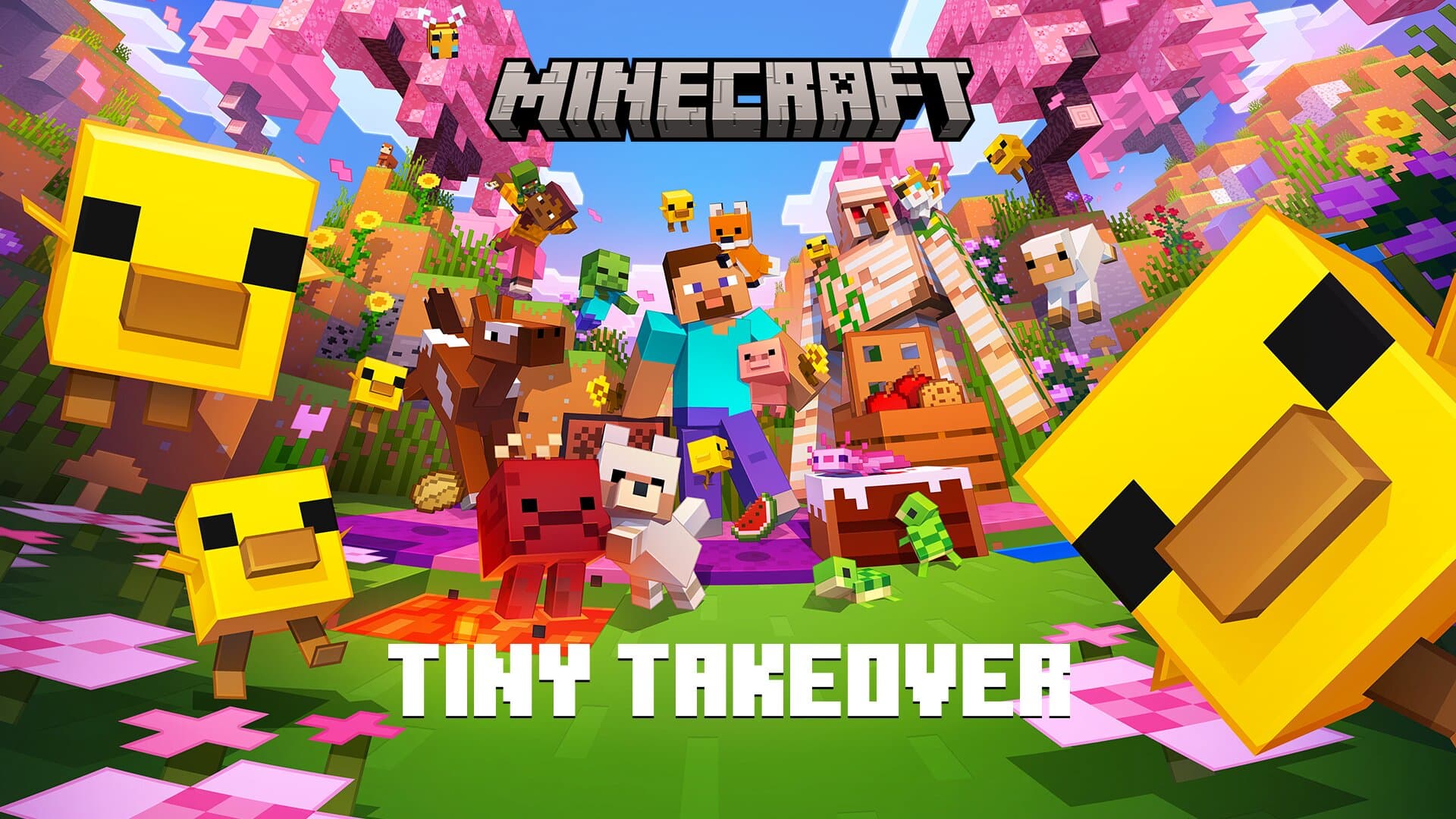
As of March 2026, the latest Minecraft Java Edition version is 26.1 (Tiny Takeover), which requires Java 25.
Do I need to update Java for Minecraft 26.1?
Yes. If you are running a server, you must install Java 25. The Minecraft launcher bundles the correct version for players, but server operators need to update manually.